Questions, not software
How many bedrooms, which layout, a pool or not. Each answer shapes the plan you see.
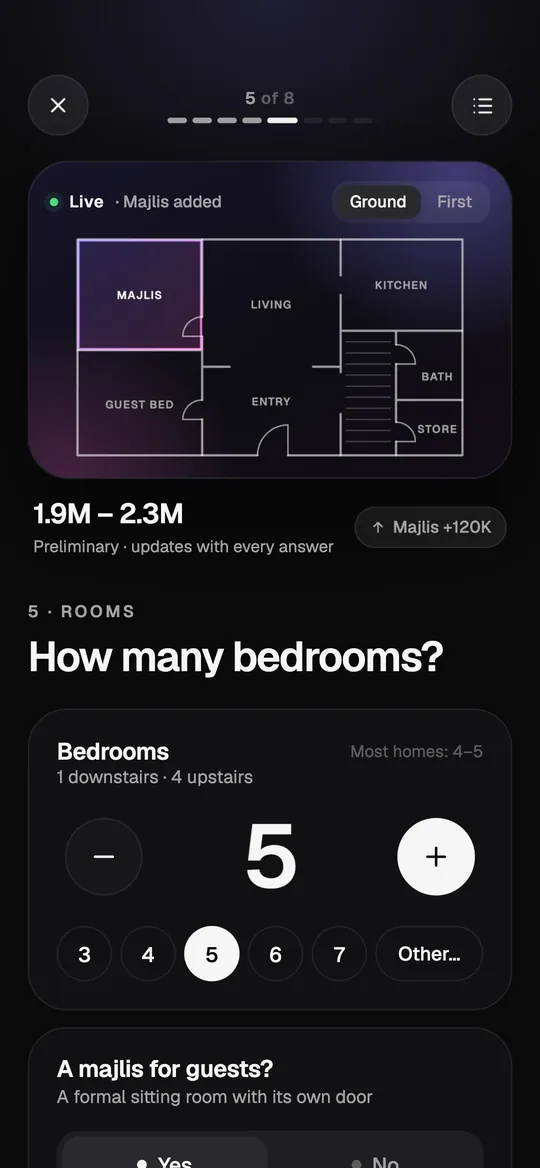
Start from a few answers, not a blank page. Change the rooms, see the preliminary cost follow, and ask an AI engineer about your own project.
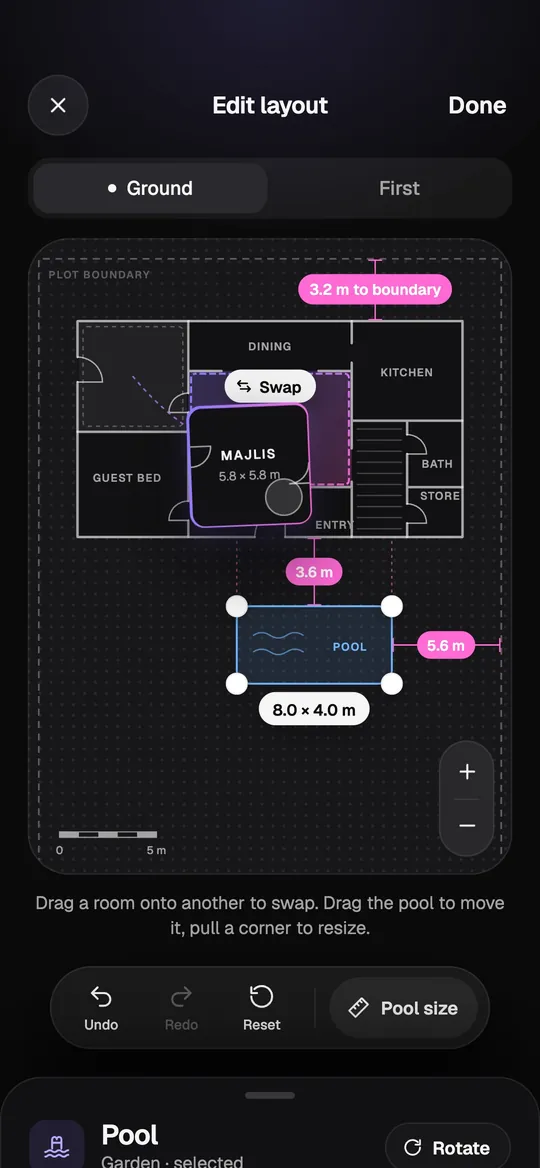

How many bedrooms, which layout, a pool or not. Each answer shapes the plan you see.
Move a room onto another to swap them. Pull a corner to resize. Distances to the plot boundary stay on screen.
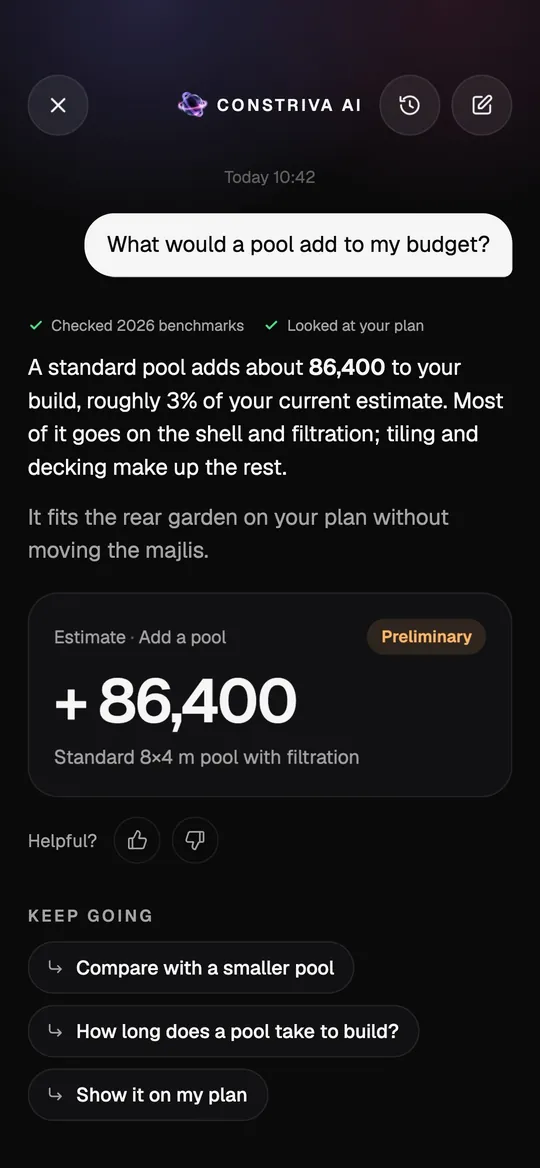
“What would a pool add to my budget?” The answer comes from your project and is marked as preliminary.
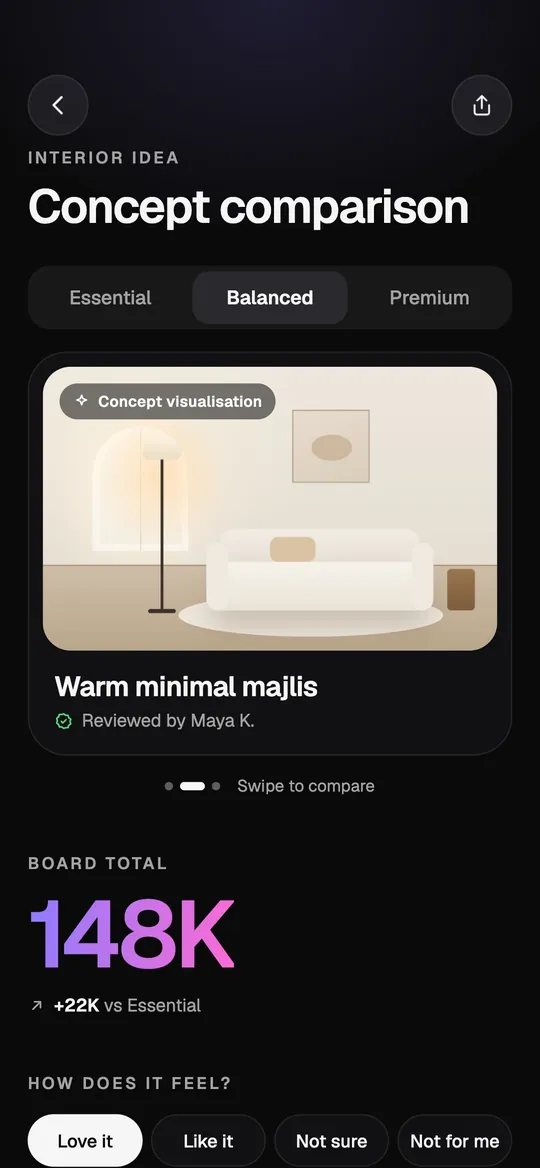
Pick the styles you like and compare concepts before anything is built.
No. It is a starting point. Licensed engineers prepare and check the drawings used on site.
No. They are preliminary ranges. A quotation comes from an engineer and from suppliers.
Yes. You can move and resize rooms by hand.
Start with a sketch, a plot or just a wish.